






한글 요약이 품질 관문에 걸려 원문만 둡니다.
원문 보기
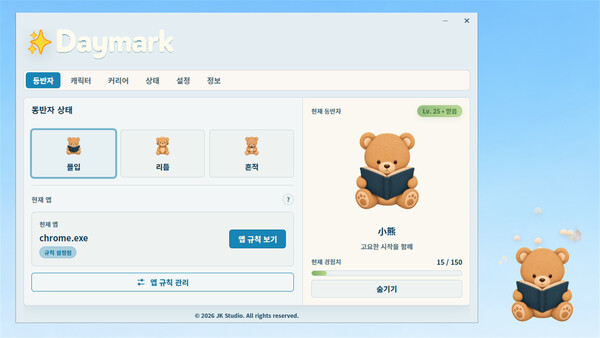
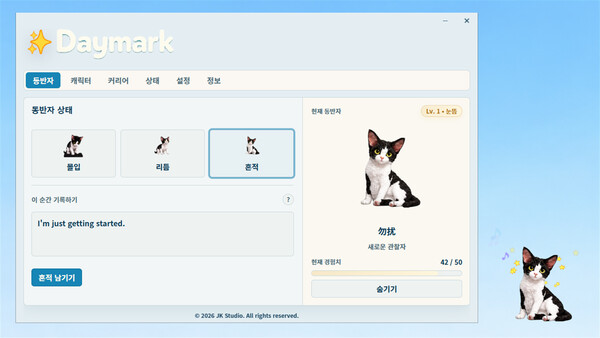
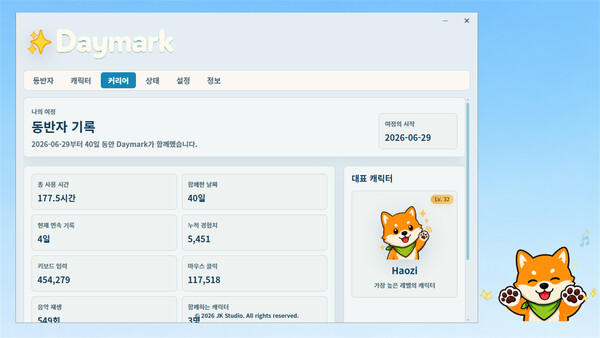
Hello everyone, Daymark v1.0.1 is now available. This small update focuses on improving desktop companion controls and the custom application setup experience, while also fixing several issues left over from the initial release. New Features: Added a persistent “Click-Through” mode for the desktop companion. When enabled, the companion remains fully visible but no longer intercepts mouse input. The click-through state is saved automatically and remains active after restarting Daymark. Click-through can be enabled quickly from the companion’s right-click menu. It can be enabled or disabled from the system tray, where a checkmark indicates when it is active. Click-through can also be managed from the Character Career page. The existing temporary dimmed click-through behavior remains unchanged and works independently from persistent click-through. Bug Fixes: 1. Fixed an issue where the companion would reappear after being hidden from its right-click menu whenever the mouse was used. 2. Unified the behavior of the right-click “Hide” option and the in-app “Hide Companion” action. 3. Fixed an issue where “Detect Current Application” worked only once and could continue returning an outdat
스팀 공지