






2026-08-07
v0.6.77 - Employee Working Areas & Cave Area Management
한글 요약이 품질 관문에 걸려 원문만 둡니다.
원문 보기
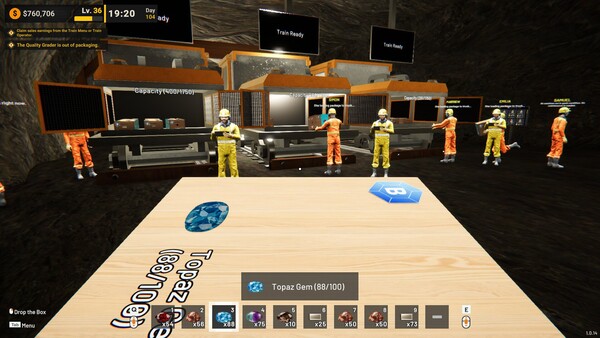
Hi miners, 😄Thank you very much for your continued support, reports, feedback, and suggestions.As mining facilities continue to grow across different parts of the cave, managing where employees should work can become increasingly important. In this update, we are introducing Employee Working Areas, along with additional Cave Area information to make larger operations easier to organize.We are also adding a new tool for clearing accumulated ground items, which can help keep heavily developed mining facilities cleaner and easier to manage.Here is what is available in the latest version.Main Updates1. Employee Working AreasEmployees can now be assigned to specific Cave Areas through the Employee Management menu.Each employee now has a Working Area setting where players can choose which available Cave Areas that employee is allowed to work in.By default, all available areas are enabled, maintaining the previous behavior where employees can work throughout the facility.Players can disable individual Cave Areas to prevent an employee from taking tasks within those locations.The Working Area setting affects the employee when looking for supported tasks involving:MachinesSupply RacksLoose
스팀 공지2026-07-31
v0.6.68 - Custom Machine Names & Machine Management Improvements
한글 요약이 품질 관문에 걸려 원문만 둡니다.
원문 보기
Hi miners, 😄Thank you very much for your continued support, reports, feedback, and suggestions. We are still reviewing everything you share and using it to determine which areas should be improved first.This update focuses on making larger mining facilities easier to organize and manage. Machines can now be given custom names, while Machine Management has been expanded with search, category filters, direct access to machine settings, and centralized speed upgrades.We have also included several controller improvements and fixes related to boxes, Supply Racks, and machine monitors.Here is what is available in the latest version.Main Updates1. Custom Machine NamesMachines can now be given custom names, making it easier to identify individual machines across larger production facilities.A custom name can be added or changed in several ways:Face a machine and press N when using a keyboardHold Left Trigger and press North Key when using a controllerSelect the edit button on the machine card in Machine ManagementCustom names can contain up to 20 characters.The custom name will appear alongside the machine’s default name in several locations:The nameplate above the machineThe overlay shown
스팀 공지2026-07-24
v0.6.54 - Performance Optimization and Save Improvements
한글 요약이 품질 관문에 걸려 원문만 둡니다.
원문 보기
Hi miners, 😄Thank you very much for your continued support, reports, feedback, and suggestions.We would also like to thank the players who shared their save files and progression data with us. These files gave us valuable test cases for reviewing performance in large mining facilities with extensive machine networks, conveyors, platforms, boxes, and loose items.This update focuses primarily on improving performance in larger and more developed saves. Based on our internal testing, these changes provided improvement under several demanding conditions. However, the results may vary depending on hardware specifications, graphics settings, factory complexity, and the number of active objects in each saved world.Higher-specification devices may show a larger measurable improvement in some conditions, while other devices may still be limited by different hardware factors.Here is what is available in the latest version.Performance Improvements1. Major Performance Optimization for Large SavesWe have made several optimizations intended to reduce persistent lag and stuttering in large saved worlds.These improvements primarily target saves containing a large number of:MachinesConveyorsPlatfor
스팀 공지2026-07-17
v0.6.01 - Pipeline Buffering & All Machine Upgrade
한글 요약이 품질 관문에 걸려 원문만 둡니다.
원문 보기
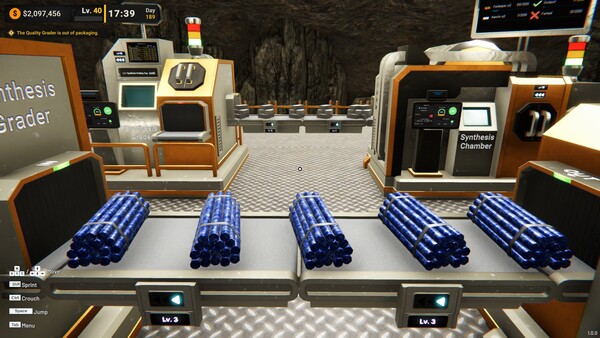
Hi miners, 😄Thank you very much for your continued support, reports, feedback, and suggestions. We are still reviewing the experiences you share with us, especially around machine progression and the challenges of managing bottlenecks in larger production lines.This update focuses on making pipeline behavior clearer and giving players more control over machine throughput. Machines now have internal item limits and visible processing progress, making it easier to identify where production is slowing down. We have also expanded Machine Management so every supported machine can now receive speed upgrades.Here is what is available in the latest version.Main Updates1. Pipeline Buffering and Visible BottlenecksWe added a new buffering system for items moving through the production pipeline.Every machine now has a maximum number of items it can hold while waiting for its current processing cycle to continue. The buffer can contain a mixture of different items and is not limited to only one item type.When a machine reaches its maximum capacity:The previous machine or conveyor will stop sending more itemsThe previous output will hold its processed itemThe full machine will stop accepting ad
스팀 공지