2026-05-24
Update Notice
한글 요약이 품질 관문에 걸려 원문만 둡니다.
원문 보기
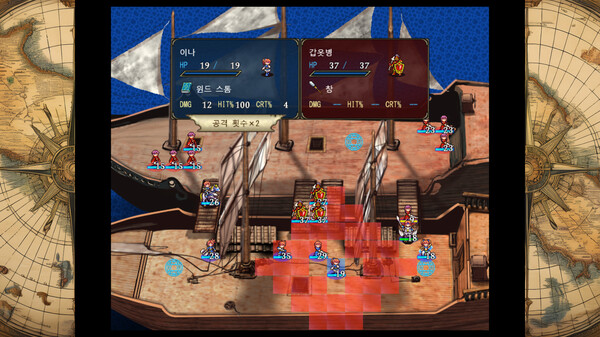
・The default supported game controller setting has been changed from DirectInput to XInput. This change allows some game controllers that previously did not work to function properly.You can also revert to the game controller settings used before this update by opening game.ini in the game folder and changing the following line:GamePadDInput=1toGamePadDInput=0・For the Black Flare enemies appearing in Stages 37, 41, and 47, the battle animation has been changed so that a simplified version is used from the second attack onward.
스팀 공지2026-01-28
Steam Deck Issue Fix Notice
한글 요약이 품질 관문에 걸려 원문만 둡니다.
원문 보기
An issue introduced in the January update that prevented the game from launching on Steam Deck has been fixed.We apologize for the inconvenience this issue may have caused.
스팀 공지2026-01-24
Notice: Screen Resolution Change Feature Added
한글 요약이 품질 관문에 걸려 원문만 둡니다.
원문 보기
We’ve released an update that allows you to change the screen resolution.When you launch the game, a file named "game.ini" will be created.Open "game.ini" and change this line:HardwareFullScreen=0to:HardwareFullScreen=1Then restart the game. After that, you’ll be able to change the resolution from the in-game Settings/Options.Note: Enabling this setting will disable mouse input. You can play using a keyboard or a game controller.If you want to scale up the game while keeping mouse support, you’ll need to use Windows display scaling as before (e.g., changing the scaling percentage in Windows Settings).Please see the instructions on the store page for details.
스팀 공지