








한글 요약이 품질 관문에 걸려 원문만 둡니다.
원문 보기
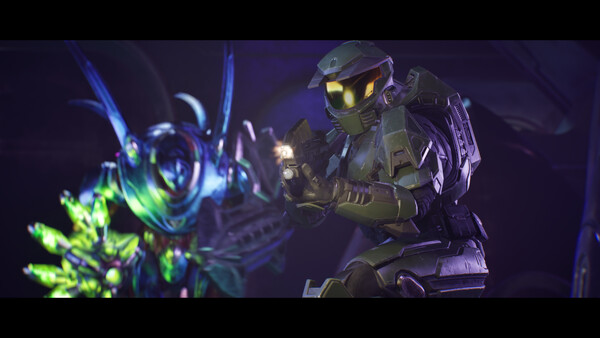
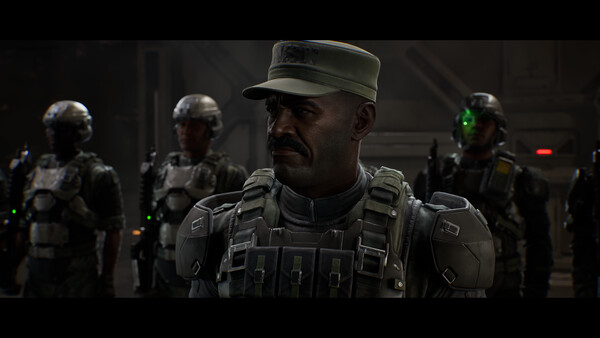
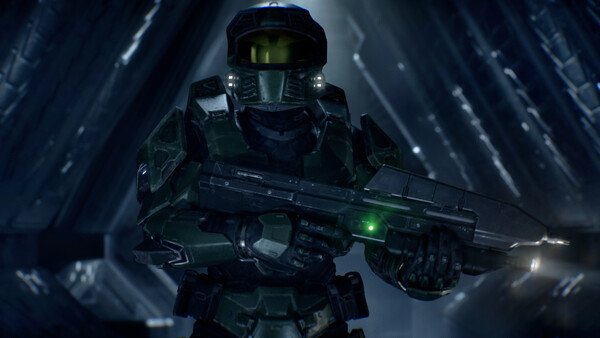
In response to player feedback, we’ve deployed a new update for Halo: Campaign Evolved that features new video settings for Chromatic Aberration and Film Grain, refined combat against Jackals, improved keyboard control binding, and many more quality-of-life fixes!Updates and ImprovementsToday’s comprehensive update includes commonly requested video settings, a fix for custom keyboard configurations, updated ally and enemy behavior, and more. You can read the full patch notes article at Halo Support.New Video SettingsChromatic Aberration & Film GrainChromatic Aberration and Film Grain are used throughout Halo: Campaign Evolved for a variety of visual effects and rendering systems.With the August 17th update, players will now have the option to turn Chromatic Aberration and Film Grain on or off individually to better suit their visual preferences. Our intent is to match what players were already doing on their PCs using their configuration settings and bring it into the game menus. This makes tuning preferences more convenient and ensures console players have the same options. In places where Chromatic Aberration is used to communicate different player states or special effects (
스팀 공지