








한글 요약이 품질 관문에 걸려 원문만 둡니다.
원문 보기
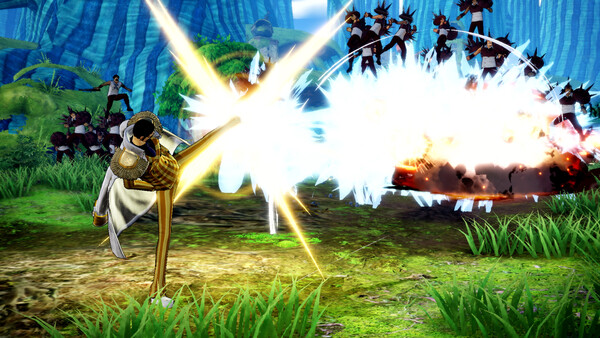
Hello Players, One Piece Pirate Warriors 4 is now available, and we’d like to thank you all for your support. Save Error We regret that some of you are experiencing saving issues. A patch is on the way, meanwhile we invite players affected by this issue to try the fix below: 1. Right-click on 'ONE PIEC PIRATE WARRIORS 4' in the Steam Client, then navigate to 'Manage' -> 'Browse Local Files', and right-click on OPPW4.EXE, and choose 'Properties' -> 'Compatibility', and check 'Run this program as administrator', then click 'Apply'. 2. Start 'ONE PIEC PIRATE WARRIORS 4' via the Steam Client, and play until you receive the 'Failed to save' error. 3. Go to 'C:\Users' (Change 'C' to whichever drive letter Windows uses) 4. Find a folder named 'Ïîëüçîâàòåëü' or similar, then navigate to the 'AppData' folder inside 5. Find the 'Local', which should contain the 'BANDAI NAMCO Entertainment' 6. Copy the 'BANDAI NAMCO Entertainment' folder to 'C:\Users\ \AppData\Local', resulting in a folder path similar to 'C:\Users
스팀 공지