









한글 요약이 품질 관문에 걸려 원문만 둡니다.
원문 보기
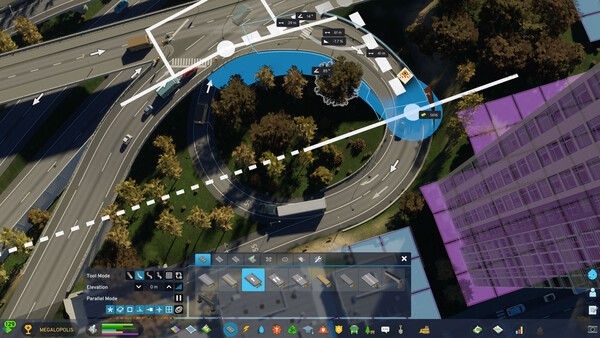
Hello Mayors!It’s time for another City Corner, and this time, we will be talking about an aspect in Cities: Skylines II that hasn’t really been touched upon in our previous updates: the Asset Editor. We have started working on improving the modding tools, and there are a number of quality-of-life improvements we want to highlight in this City Corner, like smoother workflows, asset localization, and placement overrides. We will also take a look at the mod support and what our plans are when it comes to managing your mods. Let’s get started, shall we!Smoother Workflows in the EditorLet’s begin with the Editor. For our upcoming patch, we have started working on improving the tools in the Asset Editor, aimed at reducing repetitive clicks and making it easier for creators to navigate and edit their assets. First, we have added a new launch parameter -startEditor to open the Asset Editor on startup. This allows you to launch straight into the editor, without having to go through the Main Menu first. We’ve added controls to expand or collapse all components in the Inspector panel at once, making it much easier to explore an asset’s underlying structure or quickly reach a specific compone
스팀 공지