





한글 요약이 품질 관문에 걸려 원문만 둡니다.
원문 보기
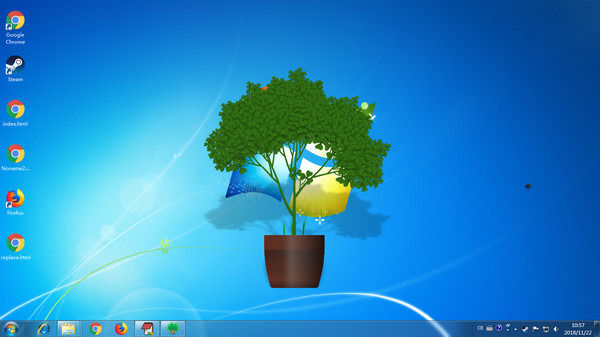
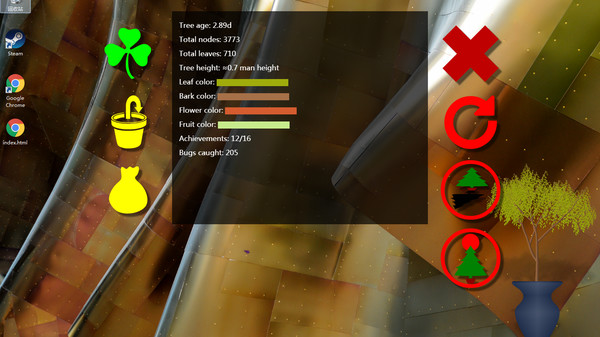
There are more customization options in recent update. And you can share your customized tree as a seed via Steam Workshop, for other users to download. Customize pot: You need to upload 3 pictures, each for a different light condition, although they can be identical if you want. You can also adjust the area that grows grass, to fit the size of your pot. {STEAM_CLAN_IMAGE}/33423060/3fe1d175be4266938d9b309bab9495fc5c255c3b.png {STEAM_CLAN_IMAGE}/33423060/6910f88937b0a46f515ebc2e25ccc2053f8f88c9.png Customize tree: You can upload multiple pictures for either leaves, flowers, fruits or bark. For example, the leaves can have different angle or slightly different tone. Don't use anything bigger than 512x512, or they won't be displayed correctly. {STEAM_CLAN_IMAGE}/33423060/51b84170238f11b05735698e6b309bd6d18d1ca7.png {STEAM_CLAN_IMAGE}/33423060/dd96950062c83d43d63e1764bd9859840aaa0f56.png Share a tree: Click the green button on the upper left corner to open this panel. First of all, the tree must have custom images. Then, you need to wait until the tree has fruits. You also need to agree to the Steam Subscriber Agreement before your tree can be downloaded by other users. Pleas
스팀 공지