

한글 요약이 품질 관문에 걸려 원문만 둡니다.
원문 보기
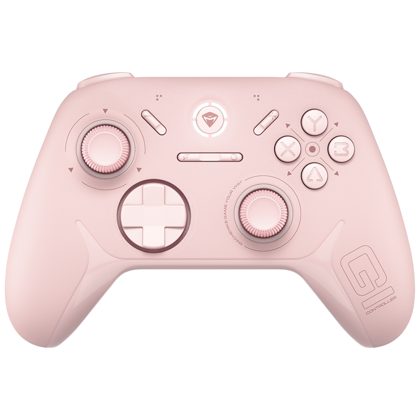
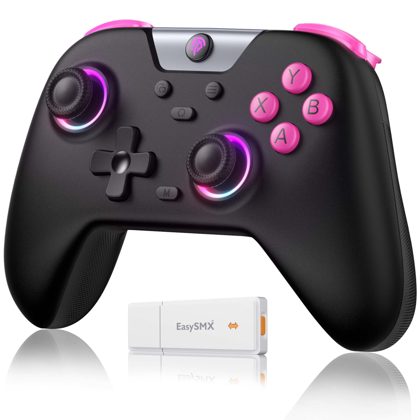
Hi, with this patch the controller support has been completely overhauled. This primarily leads to these changes: Improved compatibility with the Steam Input API. In other words, if your gamepad did not work previously, it hopefully does now Better names for gamepad buttons. E.g. "left shoulder" instead of "Button 4" The touchscreen support now also works on the Steam Deck If your Gamepad doesn't work after this patch, there might be some incompatible settings left over within your Steam configuration. I cannot change these settings myself, because they are intended to override the settings I make as the developer. But you can change them quite easily. This post will show you how: If there are any more problems, gamepad related or otherwise, please let me know with a forum post. And as always, if you want to make sure the new patch gets downloaded, simply restart Steam.
스팀 공지