2026-07-08
v1.2.3-5:Training Overhaul + Cursor Option + Excel Import + Save Fix
한글 요약이 품질 관문에 걸려 원문만 둡니다.
원문 보기
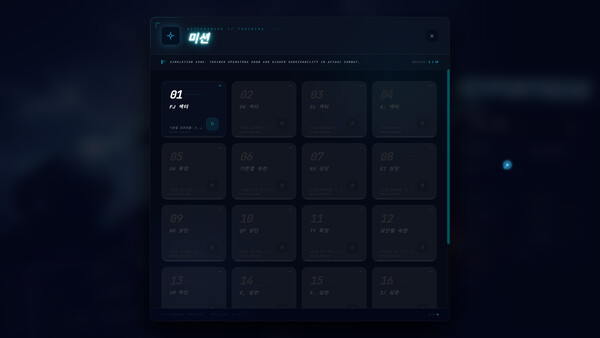
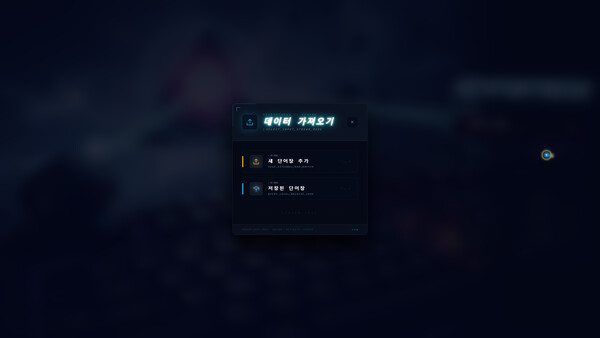
**Training System Overhaul** • Training words now appear in a fixed sequential order instead of random — e.g. FJ stage shows fj → jf → ff → jj → fjf → jfj → ... to build muscle memory progressively • Each stage has a curated word bank using only keys learned so far — no untrained letters appear • Word count grows progressively: Stage 0 has 12 words, later stages have 30–60+ words • Completion target scales from 10 words (Stage 0) to 58 words (final stage), no longer fixed at 10 • Real English words are used from Stage 3 onward (sad, lad, fall, etc.); early stages use finger drills **System Cursor Option** • New toggle in Settings → Graphics: switch between the custom cyberpunk cursor and the system default mouse pointer **Custom Wordbook Excel Import** • Download a .xlsx template with 11-language column headers, fill in your words, and upload • Supports 2-column (word + translation) and 12-column (full multilingual) formats • Auto-detects format; missing languages are backfilled with English • Template download uses native OS save dialog **Save Isolation Fix** • Fixed critical bug: different Steam accounts on the same device shared save data, causing auto-unlocking of another accou
스팀 공지2026-06-27
v1.2.3-2 Bug Fixes
한글 요약이 품질 관문에 걸려 원문만 둡니다.
원문 보기
## Bug Fixes - Fixed Rampage timer not pausing during upgrade selection screen — Rampage would expire while choosing an upgrade - Fixed weapon selection not persisting across restarts — cannon always reset to Standard Laser - Fixed target priority resetting to Nearest on restart - Fixed recorded difficulty preference not being restored on startup - Fixed TTS speech still playing when master volume is set to 0 (word pronunciation, combo announcer, weapon equip voice)
스팀 공지2026-06-25
v1.2.2-7 Update
한글 요약이 품질 관문에 걸려 원문만 둡니다.
원문 보기
⚙ New: Custom Effects Quality You can now freely adjust effects details instead of being locked to Low/Medium/High presets. **How to use:** 1. Main Menu → Settings → Effects Quality 2. Click **CUSTOM**, or drag any slider (dragging auto-switches to Custom) 3. Adjust **Glow Intensity** — controls glow/shadow on all elements (enemies, bullets, ultimates, etc.) 4. Adjust **Particle Density** — controls explosion and kill particle counts 5. Click Low/Medium/High to instantly reset to preset values Settings are auto-saved. 🛠 Fixes • Fixed sandbox mode word book selection issue • Fixed programming word book translation errors • Fixed occasional crash when selecting upgrades • Fixed multiple level-ups requiring repeated panel open/close • Fixed HP bar display on lowercase letters • Fixed letters not turning red at low HP
스팀 공지