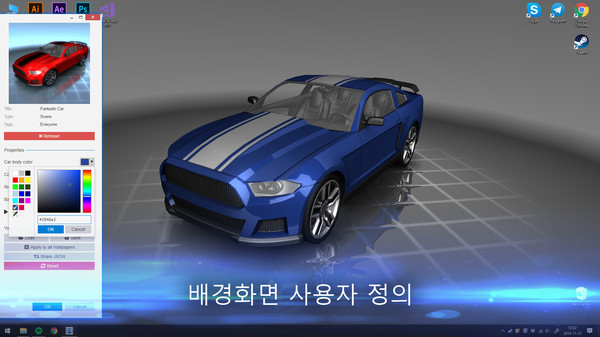
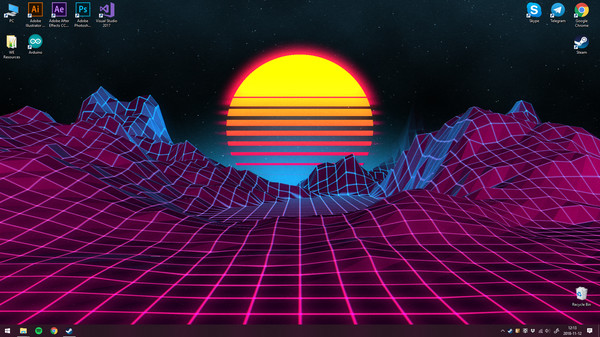
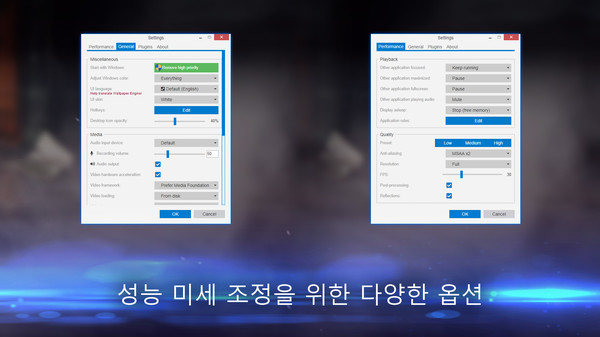
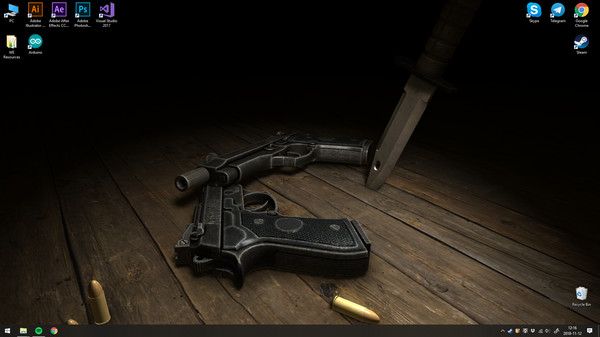
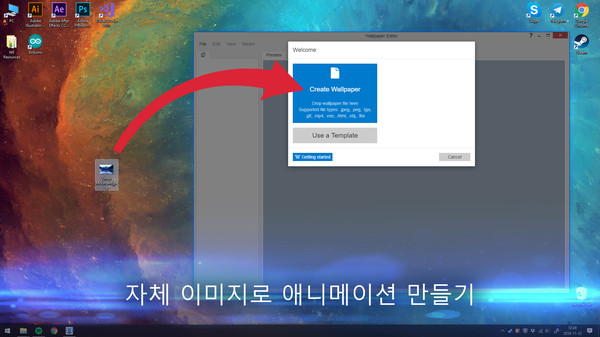
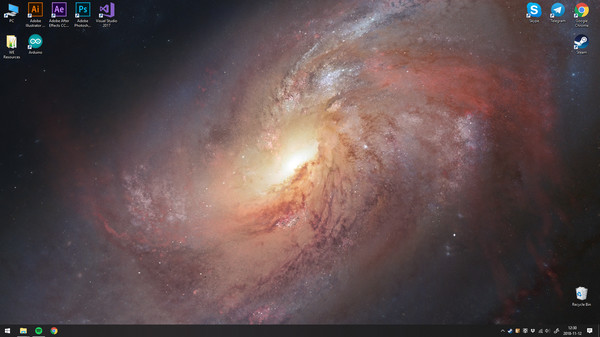
Wallpaper Engine을 사용하면 Windows 바탕화면에서 라이브 배경화면을 사용할 수 있습니다. 3D 및 2D 애니메이션, 웹 사이트, 비디오 및 특정 응용 프로그램까지 포함한 다양한 유형의 애니메이션 배경화면이 지원됩니다. 기존 배경화면을 선택하거나 자신만의 배경화면을 만들어 Steam Workshop에서 공유하세요! 또한 Android용 무료 Wallpaper Engine 모바일 앱을 사용하여 가장 좋아하는 배경화면을 Android 기기로 옮기고 라이브 배경화면을 모바일로 확인할 수 있습니다.
새 소식: Android용 무료 모바일 앱을 사용하여 가장 좋아하는 배경화면을 Android 기기로 옮기세요.
· 실시간 그래픽, 비디오, 응용 프로그램 또는 웹 사이트로 바탕화면을 생기 있게 만드세요.
· 애니메이션 화면 보호기를 사용하세요.
· 선호하는 색상으로 애니메이션 배경화면을 맞춤 설정하세요.
· 마우스로 제어할 수 있는 상호작용 배경화면을 사용하세요.
· 16:9, 21:9, 16:10, 4:3을 비롯한 많은 가로 세로 비율과 고유 해상도를 지원합니다.
· 다중 모니터 환경을 지원합니다.
· 게임을 할 때는 성능 절약을 위해 배경화면이 일시중지됩니다.
· Wallpaper Engine 편집기에서 자신만의 애니메이션 배경화면을 생성하세요.
· 기본 이미지에서 새 라이브 배경화면을 애니메이션으로 만들거나 배경화면용 HTML 또는 비디오 파일을 가져오세요.
· Steam 창작마당을 사용하여 무료로 배경화면을 공유하고 다운로드하세요.
· Wallpaper Engine은 다른 Steam 게임이나 응용 프로그램과 동시에 사용할 수 있습니다.
· 지원되는 비디오 형식: mp4, WebM, avi, m4v, mov, wmv(로컬 파일용, Workshop은 m
이 게임의 숨은 것전체 17개 · 전 세계 달성률 낮은 순
1.0%
The internet on a diskPost a web wallpaper to the Workshop.
1.0%
Press any keyCreate a local application-type wallpaper.
2.0%
Video makersPost a video wallpaper to the Workshop.
2.3%
High aspirationsPost a scene wallpaper to the Workshop.
3.7%
Working with 3D modelsUse a 3D scene template.
4.1%
Wallpaper ConnoisseurFavorite 50 different Workshop wallpapers.
희귀한 도전과제일수록 조건에 히든보스나 비밀 엔딩이 그대로 적혀 있습니다. 스팀 커뮤니티 실측 달성률이에요.
평가는 어떻게 변해왔나리뷰 948,073개 · 전체 긍정 97.4%
월별 긍정률 업데이트 할인
최근 업데이트한글 요약 · 원문은 접어뒀습니다
2026-06-29
Wallpaper Engine 2.8.42 - Removal of Application Wallpapers from the Workshop
한글 요약이 품질 관문에 걸려 원문만 둡니다.
원문 보기
Hey everyone, this update introduces a security change to Wallpaper Engine. In the next week, we will be permanently removing the "Application" wallpaper type from the public Steam Workshop. While this sounds drastic, it affects merely 0.5% of all wallpapers with actual user numbers being much lower than even that. The overwhelming majority of users never used any applications wallpapers at all, since they are hidden by default in the app. As part of this transition, we are currently cleaning up the Workshop. Most application wallpapers will start to be set to friends-only for the transition period. If there are any Application-type wallpapers you actively use and want to keep, you have a grace period of around one week to back them up locally. Why did Application Wallpapers exist in the first place? We got this question a lot, so we want to answer this quickly. The "Application" wallpaper type is a legacy feature from the very earliest days of Wallpaper Engine's development. Back then, our thought process was heavily inspired by the "sideloading" concept on platforms like Android. We wanted to give power-users maximum freedom to create truly cust
Wallpaper Engine 2.8 - Dynamic Model Generation & Text Rendering Improvements
한글 요약이 품질 관문에 걸려 원문만 둡니다.
원문 보기
While Wallpaper Engine 2.8 was primarily planned as a maintenance release with various bug fixes and improvements under the hood, we also found the time to add some cool new features which you should soon start seeing on new wallpapers. Switch to 64-bit We have been performing a lot of background maintenance recently to improve performance, fix issues and overall future-proof the app. While some Wallpaper Engine processes were already available in 64-bit, we are now largely moving to 64-bit executables. Because of this, we have renamed the user interface process from ui32.exe to wallpaperui.exe. If you run into any issues with updating the app, be sure to exclude the wallpaper_engine directory and specifically wallpaperui.exe from any antivirus app or firewall. New FeaturesDynamic Models The first new feature we are introducing is dynamic model generation as part of Wallpaper Engine's SceneScript language. This allows wallpaper creators to generate custom 2D and 3D shapes and models entirely from code. Up until now, you had to import pre-made 3D models, but with this update, wallpapers can draw and animate geometry completely on the fly. For everyday users, this means you can
With the release of Wallpaper Engine 2.7, we are introducing a large number of improvements and new features for particle systems and to the particle editor itself. Additionally, the update also introduces a new concept of user shortcuts, which allow wallpaper creators to create clickable elements which open a local user-defined shortcut on the system and we have added a set of image filters, allowing you to quickly alter the look and feel of many wallpapers by modifying their color palette in a single click. Particle System UpdatesNew Particle System Features This update introduces over a dozen new particle system components and features. The following examples are just a small preview, for the full list of changes and additions, take a closer look at the changelog further down below. Collision Operators: Add collision physics to your particles. {STEAM_CLAN_IMAGE}/26312799/64be6e00dbf56aec7c3bdad8f573f2ec0d380022.gif Boids Operator: Add flocking behavior to your particles (organic grouping of particles). {STEAM_CLAN_IMAGE}/26312799/1f713f95eeaf95b2d9358d9e5e77301f75b5161c.gif Inheritance: Copy values from particles to child particles (see color inheritance here). {STEAM_CLAN_IMAGE
Hey everyone, Wallpaper Engine 2.6 comes with several new features for the wallpaper editor, the update also fixes some bugs and improves compatibility with Windows 11 24H2. Clipping Masks for Puppet Warp Animations Clipping masks are a useful tool to implement certain animations which were not easily possible previously. With clipping masks, you can define certain areas of a puppet model which only become visible when they are hovering over the area that you have defined. This can be used to implement some unique effects and is especially useful for creating the appearance of animated shadows or shading on an object. {STEAM_CLAN_IMAGE}/26312799/51142e2dd25a259174087a4d1f104009e64e6a1b.gifSelf-shadowing example achieved with a clipping mask To learn more about how to utilize clipping masks, take a look at our designer documentation. New Editor Effects We have also added four new effects which you can apply to image layers in the editor. As always, effects can be used in more than just one way and we are looking forward to some creative uses of these effects. Shimmer A recurring line of light moving across your image. {STEAM_CLAN_IMAGE}/26312799/f3fd6034f8d2cffc07f85b03af2b945565e67