





한글 요약이 품질 관문에 걸려 원문만 둡니다.
원문 보기
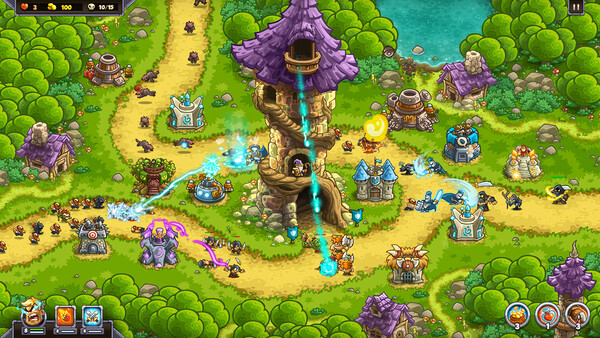
Steam Version 1.000kb missing executable CD Key We're sorry for the inconvenience. We fixed this on our end, please restart steam client to have this fixed.In case the game runs slowlyThe game detects the resolution of your display and adjusts the game resolution and image quality to give you the best possible configuration.If the computer can't handle this configuration, or the display is configured to 30Hz, it might run slowly.In that case, change the FPS setting to 30, and/or uncheck VSYNC.Follow this procedure:open the game or go back to the main menu (where you pick a save slot to play)click the Options button in the top left cornerclick page 5 of the optionson the right side you have the FPS settings and the VSYNC below.change to 30FPS and/or uncheck VSYNC.Help with wrong screen settingsThe game auto-detects when you change displays or resolutions.n case the game detects the screen resolution wrong follow this procedure to show the launcher and configure it manually.Find the folder where the settings file is stored:- Windows: C:\\Users\\\\\AppData\\Roaming\\kingdom_rush_genesis- macOS: ~/Library/Application Support/kingdom_rush_genesisdelete the settings.lua file an
스팀 공지