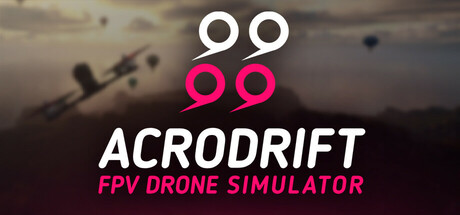
ACRODRIFT는 실제 비행 컨트롤러를 본떠 비행 물리를 구현한 FPV 드론 시뮬레이터입니다. 실기를 띄우기 전에 첫 플립을 연습하는 입문자든, 손끝 감각을 유지하려는 베테랑 파일럿이든, 여기서는 마음껏 날고, 추락 걱정 없이, 세션마다 실력을 키울 수 있습니다.
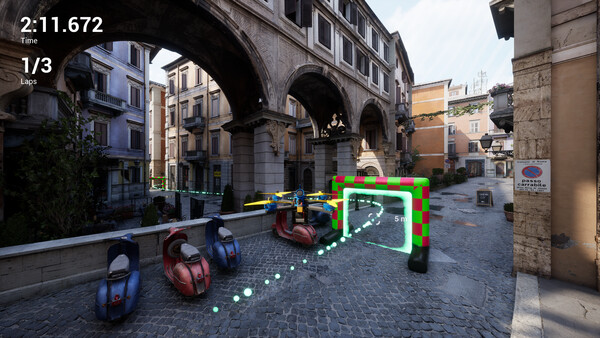
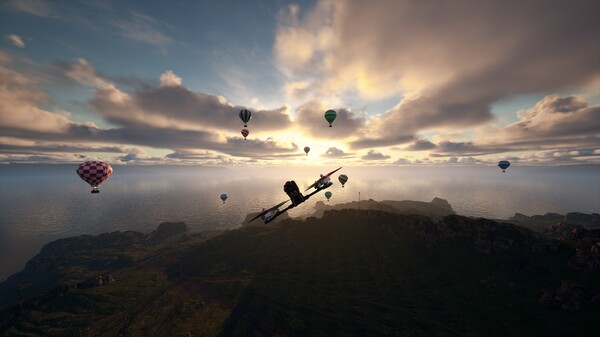
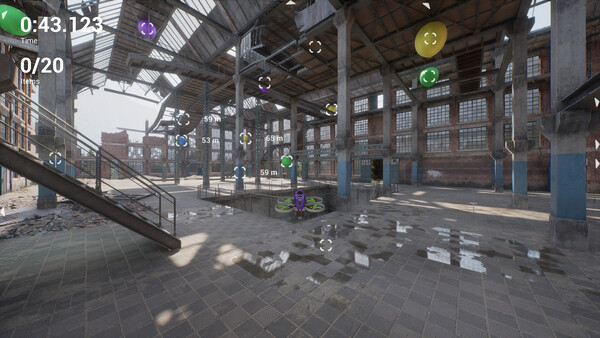
원하는 방식으로 비행하세요드넓은 개활지부터 좁고 테크니컬한 코스까지, 수작업으로 만든 6개의 맵과 세 가지 즐기는 방법이 있습니다. Free Flight에서 자유롭게 날며 실험하고, Race 모드에서 체크포인트 게이트를 통과하며 기록에 도전하고, Collection에서 목표물을 사냥하세요. 난이도가 다양한 20개 이상의 챌린지가 실력을 끌어올리고, 5가지 비행 모드가 입문자용 Angle과 PosHold부터 완전한 Acro와 3D까지 함께합니다.
드론을 조립하고 튜닝하세요워크숍은 실제와 똑같이 작동합니다. 1.6인치부터 5인치까지 11종의 프레임, 13종의 모터, 프로펠러와 배터리 중에서 고르고, 부품 하나하나가 비행을 어떻게 바꾸는지 확인하세요. PID 컨트롤러를 조정하고 레이싱, 프리스타일, 시네마틱 라인에 맞춘 커스텀 레이트 프로필을 만들거나, 사전 설정된 드론을 골라 바로 날아오르세요.
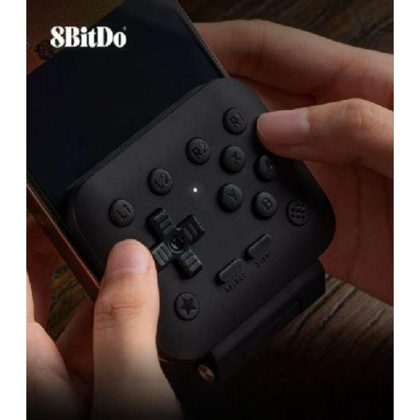
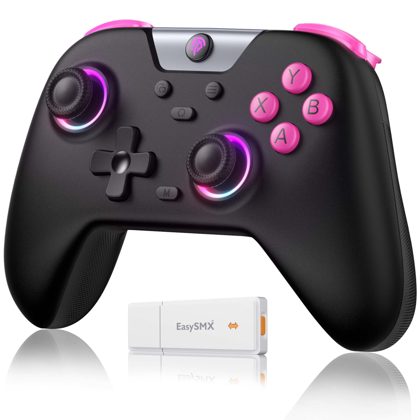
나만의 장비로 비행하세요게임패드를 꽂고 이륙하거나, 실제 FPV 조종기를 연결해 진짜 스틱 감각을 느껴보세요. ACRODRIFT는 USB 연결을 지원하는 다양한 송신기를 지원하며, 모든 축을 자유롭게 다시 매핑할 수 있고, 스틱 자동 감지 기능으로 설정도 간편합니다. 주요 특징· 실제 비행 컨트롤러 기반의 사실적인 FPV 비행 물리와 완전한 PID 튜닝
· 수작업으로 만든 6개의 맵과 20개 이상의 챌린지
· 3가지 게임 모드: Free Flight, Race, Collection
· Angle과 PosHold부터 Acro와
평가는 어떻게 변해왔나전체 긍정 81.2%
월별 긍정률 업데이트 할인
최근 업데이트한글 요약 · 원문은 접어뒀습니다
2026-08-25
Game Update 0.1.7 - Fixes
한글 요약이 품질 관문에 걸려 원문만 둡니다.
원문 보기
Update 0.1.7 is now live, focusing on fixes for issues introduced in the previous update. 🛠️ Fixes Fixed Throttle Gamepad Mode and Flight Mode settings not being loaded correctly when starting the game. Fixed vehicles being frozen on the maps. Fixed an issue with PID Auto Tune for the Yaw axis. Some of these issues were caused by changes we're making while working on a major new feature for Acrodrift. Thanks to everyone who reported these issues, and sorry for the inconvenience.
Game Update 0.1.6 - PID Auto Tune, Arm/Disarm, Controller Fix
한글 요약이 품질 관문에 걸려 원문만 둡니다.
원문 보기
⚙️ PID Auto Tune As we continue improving V2 Flight Physics, some changes may affect the optimal PIDF settings for your drones. To make things easier, we've introduced Auto Tune, so you won't have to manually retune your drone configurations after physics updates. Auto Tune is enabled by default, but you can turn it off at any time and tune your PIDF settings manually. {STEAM_CLAN_IMAGE}/45601728/3cf84983998cb56ca4290751ce3f030c274683f0.png Enabling or disabling Auto Tune will not overwrite or reset your custom PIDF values, so you can freely switch between automatic and manual tuning. If you prefer manual tuning, here's a small tip from us: try increasing the I value. 🔌 Arm / Disarm We've added the ability to disarm the drone. You can now disarm it if you crash into something and get stuck. We've also added an option to disable automatic arming based on throttle input, giving you more control over when your drone becomes armed. 🎮 Device Compatibility We've fixed an issue that could prevent some input devices with unusual axis ranges from calibrating correctly. If you've previously had problems calibrating your controller, please give it another tr
Game Update 0.1.5 - Switch Support, Exclusion Zone
한글 요약이 품질 관문에 걸려 원문만 둡니다.
원문 보기
Update 0.1.5 is now live! 🎮 Switch & Button Support You can now assign a switch (Axis) to actions such as Respawn. We've also added support for assigning joystick buttons, provided your controller supports them. {STEAM_CLAN_IMAGE}/45601728/6d0dbe379836832a99693538d6caa0572a5b2ae6.png This is the first version of this feature. We're planning a much more advanced system for switch configuration and management in future updates. 🗺️ Exclusion Zone We've made a partial fix for the Exclusion Zone map for players experiencing issues with Nanite. LODs have been added to the trees, allowing the map to remain playable when Nanite isn't working correctly. The trees may look a little rougher in this case, but you should now be able to fly around and practice tricks, which is the most important thing for now! Thank you for your continued feedback and support! 🚁
Update 0.1.4 is now live! This update introduces new tools to help us diagnose controller issues. 🎮 Controller Diagnostics We've added a new panel that displays all axes reported by your controller, including their real-time input values and the minimum and maximum values detected for each axis. {STEAM_CLAN_IMAGE}/45601728/4186bede699b35274cc5b226531a07eea481c1e6.png This should help us better understand what's happening with controllers that aren't working as expected. If you're reporting a controller issue, please let us know how the problematic axis behaves. For example: Input on Axis 3 jumps between values instead of changing smoothly Input on Axis 3 jumps directly from minimum to maximum Axis 3 doesn't respond at all Please also include the total number of axes reported by your controller (the number of entries shown in the table). In most cases, this should be 8 axes. 🕹️ Controller Improvements We've also made a small change to the configuration of the library responsible for input device support. If you've had controller issues before, please give it another try and let us know if anything has improved. 🚙 Environment Improvements Based on y