


2025-10-06
Unity Security Hotfix
한글 요약이 품질 관문에 걸려 원문만 둡니다.
원문 보기
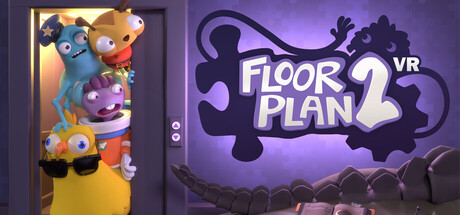
This a small patch to fix a security issue in the version of the Unity game engine that Floor Plan 2 was made with. We have no reason to believe Floor Plan 2 was targeted or exploited with this vulnerability. However, out of an abundance of caution following Unity's announcement and recommendations, we took immediate steps to patch and keep the game safe for all players in the future. Additionally, this patch should fix a crash bug that could happen on some system configurations while standing in the hallway after the end of the Backside Story elevator. If you experience any problems with this patch, please let us know in the comments below. Thanks!
스팀 공지2023-07-10

Backside Story Patch #2 Change Notes
한글 요약이 품질 관문에 걸려 원문만 둡니다.
원문 보기
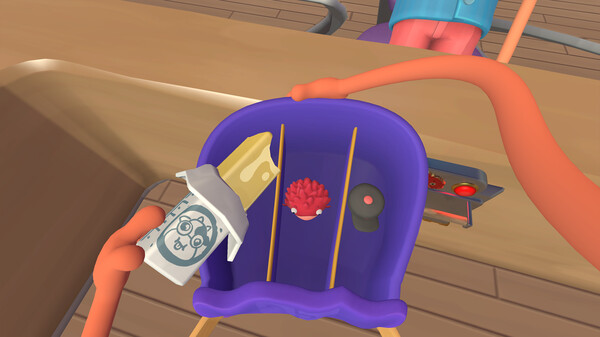
This update contains a few small fixes and improvements. You can learn more about all the new stuff in Backside Story here: Extra thanks to everyone who has given us a chance to fix things by reporting issues in the forums or directly to our email (hello@turbo-button.com). Changes in Version 2.0.1.1135: East Tower: fixed an issue where the game could give incorrect hints if a save file was reloaded after the guard went to the bathroom. West Tower: fixed an issue where the fisherman could get stuck moving around in circles while chasing fish. Backside Story: if the cheese knife or water balloons are misplaced, they now reappear in logical positions when reloading a save file. Backside Story: fixed bug that could cause water balloon to fall through the floor if it was popped while pulling it out of the inventory.
스팀 공지2023-07-04
Backside Story Patch #1 Change Notes
한글 요약이 품질 관문에 걸려 원문만 둡니다.
원문 보기
We've had a lot of new and returning players since the Backside Story update! Huge thanks to everyone who has played. You can learn more about all the new stuff in Backside Story here: Since the launch, we've identified a few bugs that slipped through the cracks in our testing. Extra thanks to everyone who has given us a chance to fix things by reporting issues in the forums or directly to our email (hello@turbo-button.com). Changes in Version 2.0.1.1120: Backside Story: fixed an issue where the item inside the treasure chest could get stuck after unlocking it. If you ran into this bug, your save file will be fixed after downloading this update. Backside Story: fixed an issue where water balloons from the dispenser could disappear and teleport to a different floor. Backside Story: mitigated a separate issue where water balloons could fall through the floor and keep respawning forever. In the extremely rare case this happens, it will be fixed when reloading the level (and no longer cause the save file to be stuck). The cause is still under investigation for a future patch. Backside Story: possible fix for an audio-related crash reported by some players during the outro seq
스팀 공지2023-06-22
A new elevator and more is now available! Get the Backside Story update today.
한글 요약이 품질 관문에 걸려 원문만 둡니다.
원문 보기
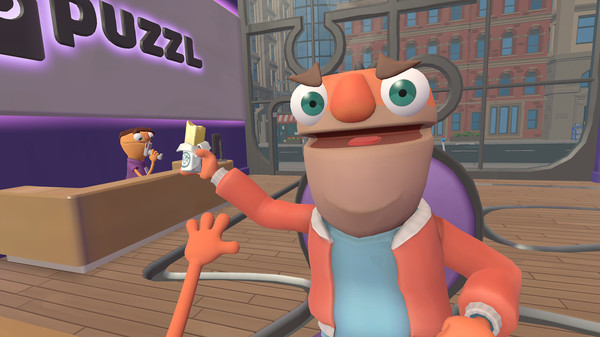
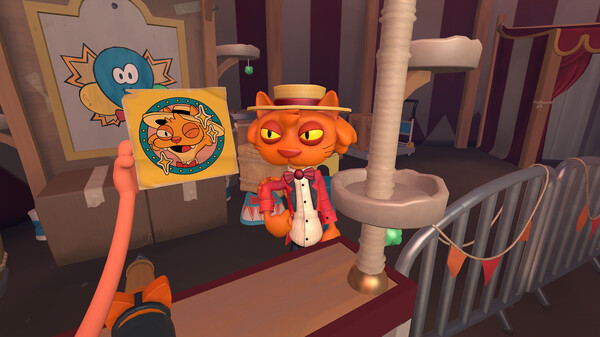
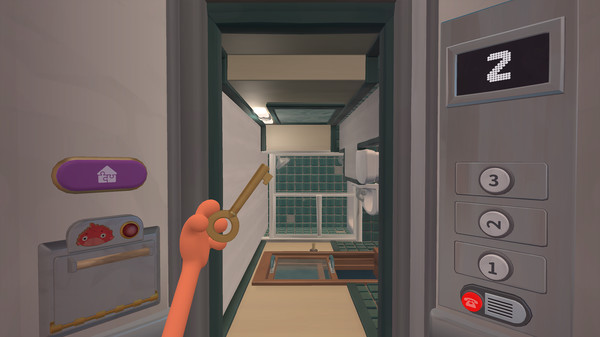
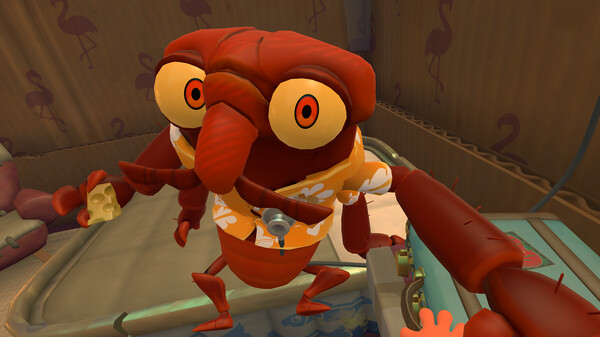
Today we’re excited to launch Backside Story, a feature-length expansion now available in a free update for Floor Plan 2! New elevator! Backside Story features the most exciting elevator to date, with new puzzles, characters, and floors to explore. In fact, this expansion nearly doubles the total number of puzzles in Floor Plan 2! If you’ve been wanting more Floor Plan, you won’t be disappointed! On your first return to Puzzl, the receptionist will direct you to check out something down the stairs in the lobby. If you are starting from a new save file, you can access Backside Story within about 10-15 minutes. Play up to the point where you enter the East Tower (the first elevator after the tutorial in the storefront), and the receptionist will have instructions for you when you return to the lobby. New ways to play! This update adds new standing and seated modes to the game, so you can grab and push anything from a distance and play the entire game in a small play space. Standing mode is the new default setting. If you wish to return to the roomscale control style from the previous version, you can do so in the options menu. A note from the team We’ve been overwhelmed by the respon
스팀 공지