2026-05-07
UI Update Part 6 - Improved Multiplayer Menu, and EreaDrone on Linux
한글 요약이 품질 관문에 걸려 원문만 둡니다.
원문 보기
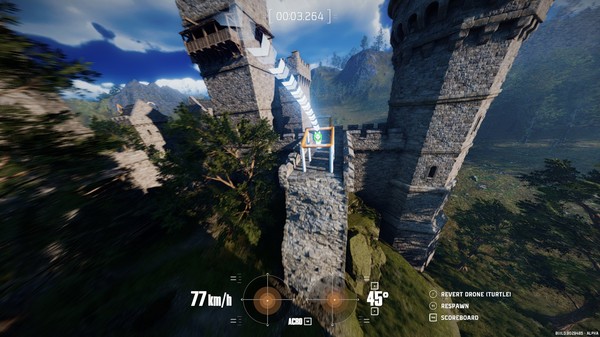
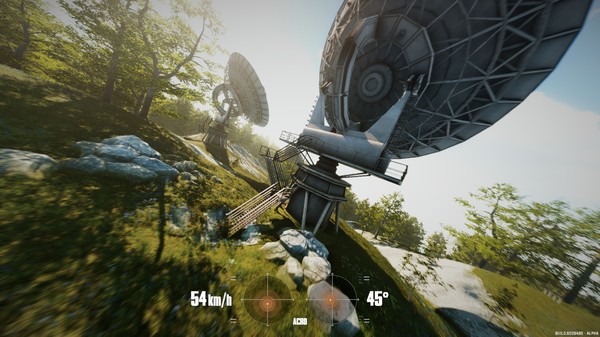
This is Part 6 of the EreaDrone Road to 1.0 UI Update! Last time, we brought you a new ground station, upgraded the Carpark and Chateau Environments and improved the Rate Profiles menu! Now, let's look at what's new for today!🆚 New Multiplayer MenuWe've improved the Multiplayer Lobby menu! You can now better see all the available lobbies for you to join, and create your own.You can also see at a glance the current map, pilots that are present and the gamemode!We're almost done with the UI update! We only have the Tournament Menu and the Escape screen left, and then we can move on to the next part of the Road to 1.0.⚠️ Notice to Linux Pilots 🐧As you may know, EreaDrone does not have an official Linux build. However, we recently made the game available to be run using Proton, up to the latest updates. While this is way more usable than before, this version still has some important problems, that we are actively trying to solve in the next updates. We are also not targeting the SteamDeck as of yet, so the game might run poorly on that hardware.If you experience any issues when running the game using Proton, please contact us via proton@ereadrone.com.Known Issues wh
스팀 공지2026-04-08
UI Update Part 5 - Rates, Ground Station and Map updates
한글 요약이 품질 관문에 걸려 원문만 둡니다.
원문 보기
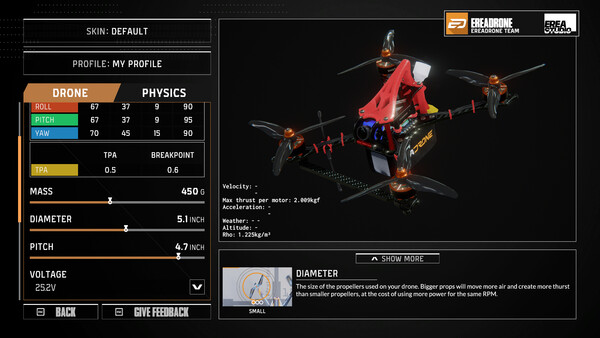
This is Part 5 of the EreaDrone Road to 1.0 UI Update! Last time, we brought you a complete overhaul of our Map & Track Browsers.📈 More Rates, better menu!EreaDrone now supports all of the rates available in BetaFlight. We've also fixed some issues that were previously present in the Rates menu.Supported rates:BetaflightActualKISS (new)QuickRates (new)Raceflight (new)There's also cursors now, that show how your controller responds to the rates, per individual axis, and a drone preview to test how the rates feel. You can now also copy/paste profiles.For those who want it, we implemented the throttle limit function, that either clips or scales your throttle input depending on the percentage you set.You can quickly open this menu by pressing P at any time (rebindable in the settings).🗼 Say Hello to Ryfty!When flying, there will now be a cute little ground station next to your spawn, called Ryfty! It's where your antenna is, so keep that in mind when using a VTX filter.Don't worry, it won't interfere when flying, it has no hitbox and fades away when you get near.🎡 Carpark & Chateau Open Door daySome new holes have appeared on the Chateau map, and you ca
스팀 공지