

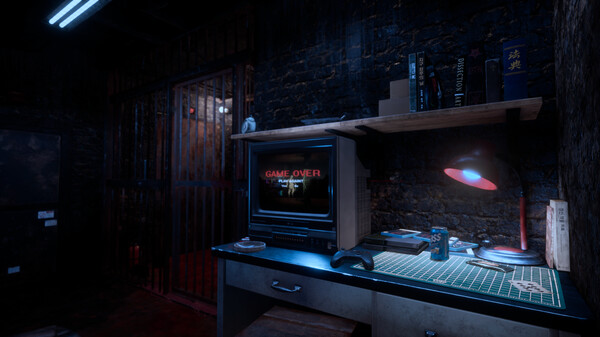
- OVR Toolkit 설정 변경으로 플레이 중 문제 해결 가능
- 높이 설정 오류 수정 안내, 게임 내 설정 조정 필요
- VR 착용 후 개발자 설정에서 높이 재설정 권장
원문 보기
The developers at Forbidden Art recognize that you want to share your experience playing our games with others. We wanted to share a few settings to make your experience smoother. We've gotten a lot of feedback about OVR not working during play, especially if you're using the OVR Toolkit. In addition, we'd like to share some settings for when your field of view is buried in the floor or higher than your height during gameplay. 1. OVR Toolkit Setting Enter "SteamVR -> Settings -> OpenXR" and you should see the image below. {STEAM_CLAN_IMAGE}/35937831/249262f6dc5fcea0d925d09753a2fde900ff0b73.png Most Oculus users will have something like the image below. If you click on "SET STEAMVR AS OPENXR RUNTIME" here, you'll see the {STEAM_CLAN_IMAGE}/35937831/9ccfeccdff59774033603aff00af78aa1c8dfcd6.png They will be replaced as shown in the image above. {STEAM_CLAN_IMAGE}/35937831/6d3b1108b26f1a05d614e5cd1e22f9ddc900dab1.jpg When you subsequently run your game on STEAM, you'll see that the OVR Toolkit is working properly. 2. Height Setting When you launch the game, you may be set to an incorrect height that does not match your height. Don'
스팀 공지